Vinted
Selling on Vinted? Sellado records each sale and works out your profit
The Chrome extension reads your listings and sales, and shows the Sellado panel on Vinted's pages with a list of your listings. For a new listing it fills in the title, description and price, and keeps the other details in the panel for you to copy.
10 active products free. No card.
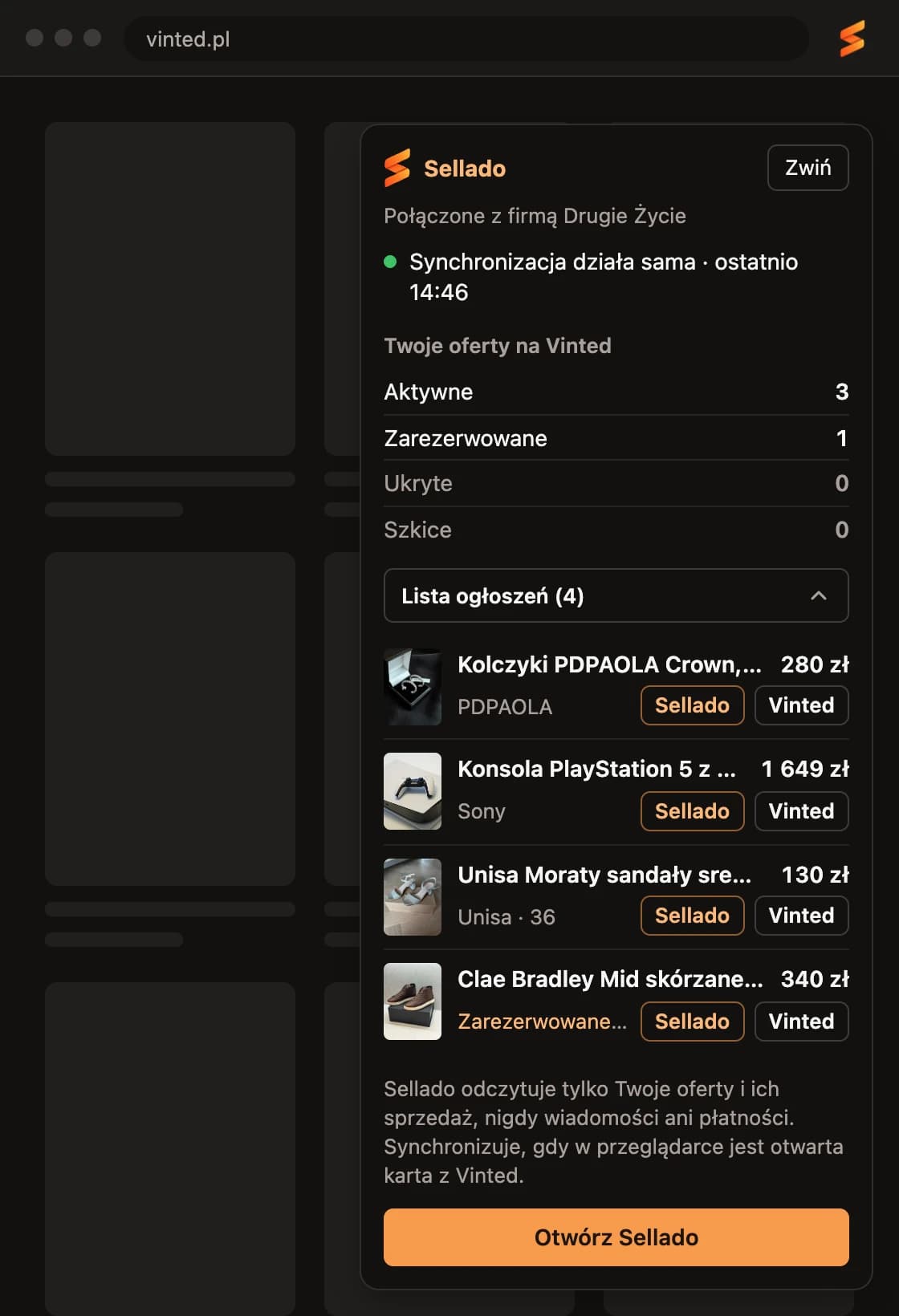
Panel on Vinted
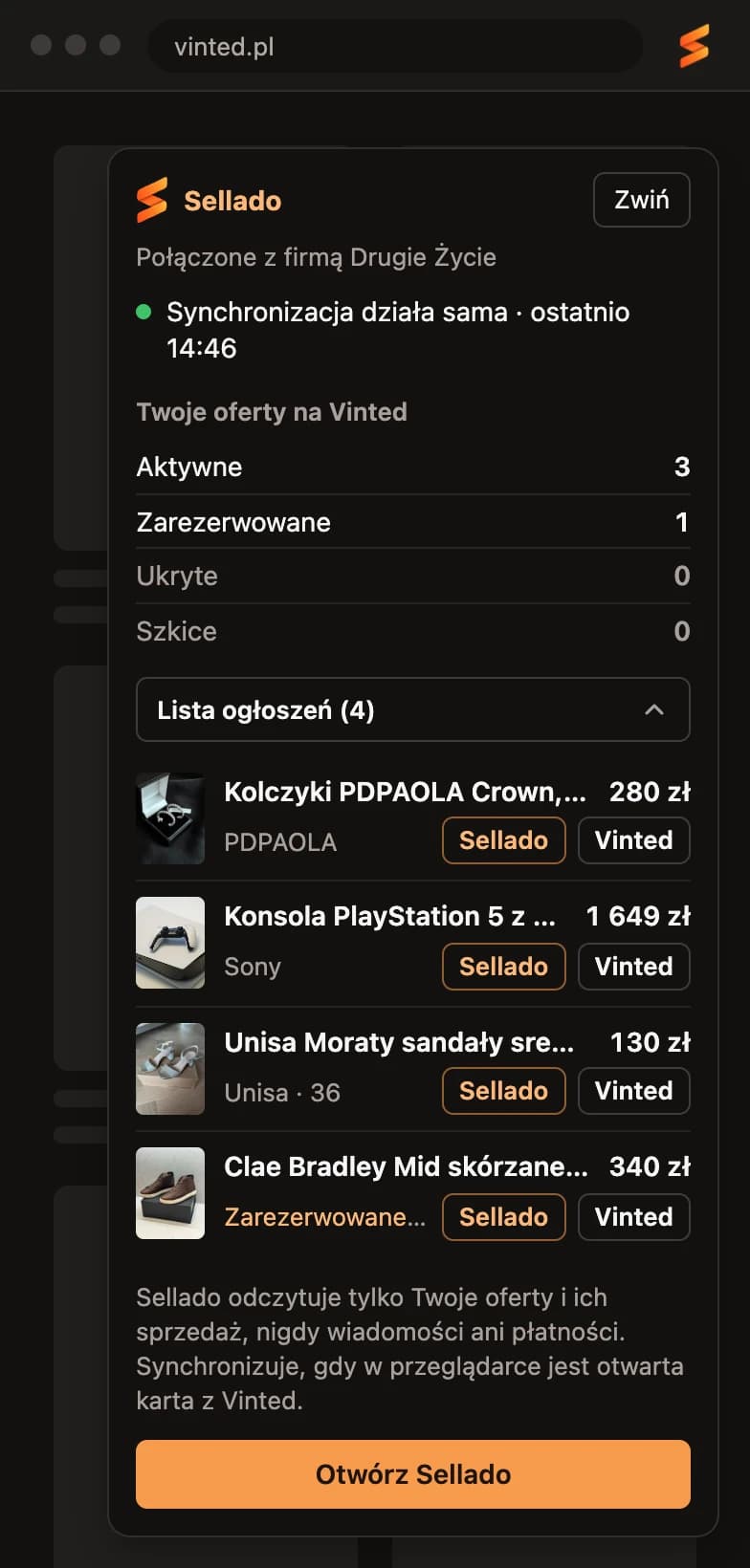
The Sellado panel on Vinted's pages
The extension adds a Sellado button in the corner of Vinted. You can drag it elsewhere, and clicking it opens a panel with details of your products.
While you browse Vinted
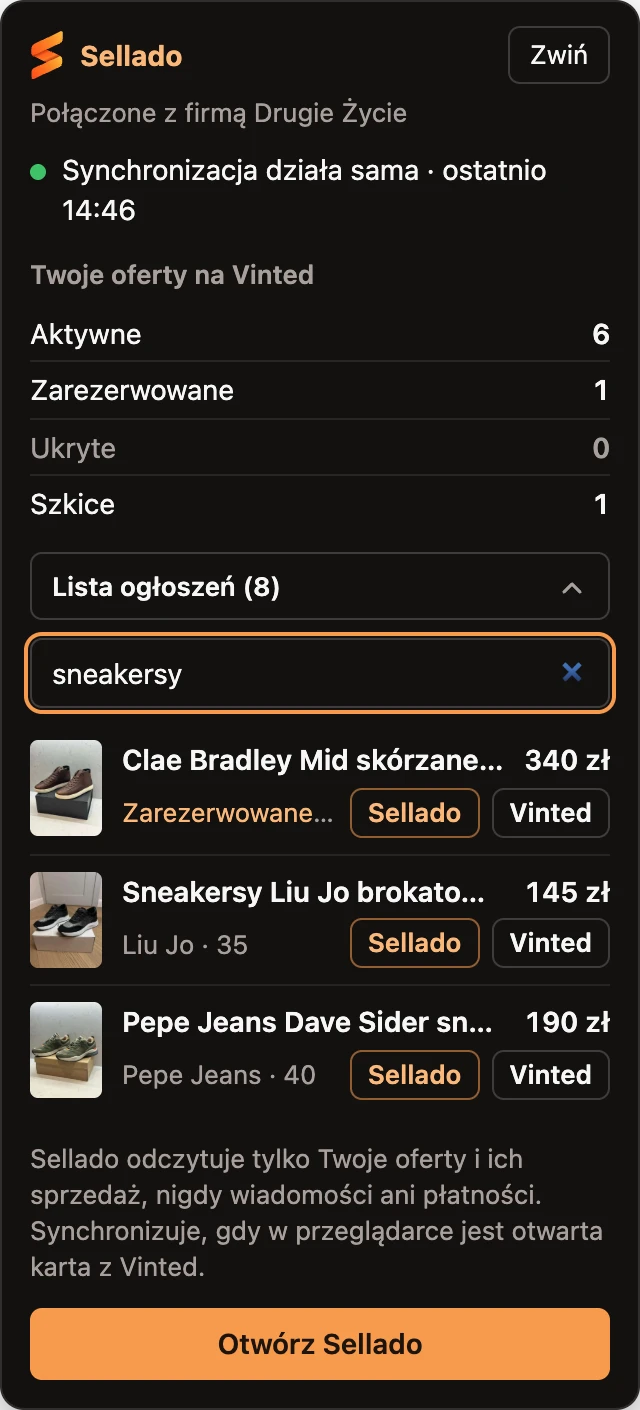
- Sync status and when it last refreshed
- How many listings are active, reserved, hidden or drafts
- Your listings with photo, price, brand and size, and a search box
- For each listing, a link to the product in Sellado and to the listing on Vinted
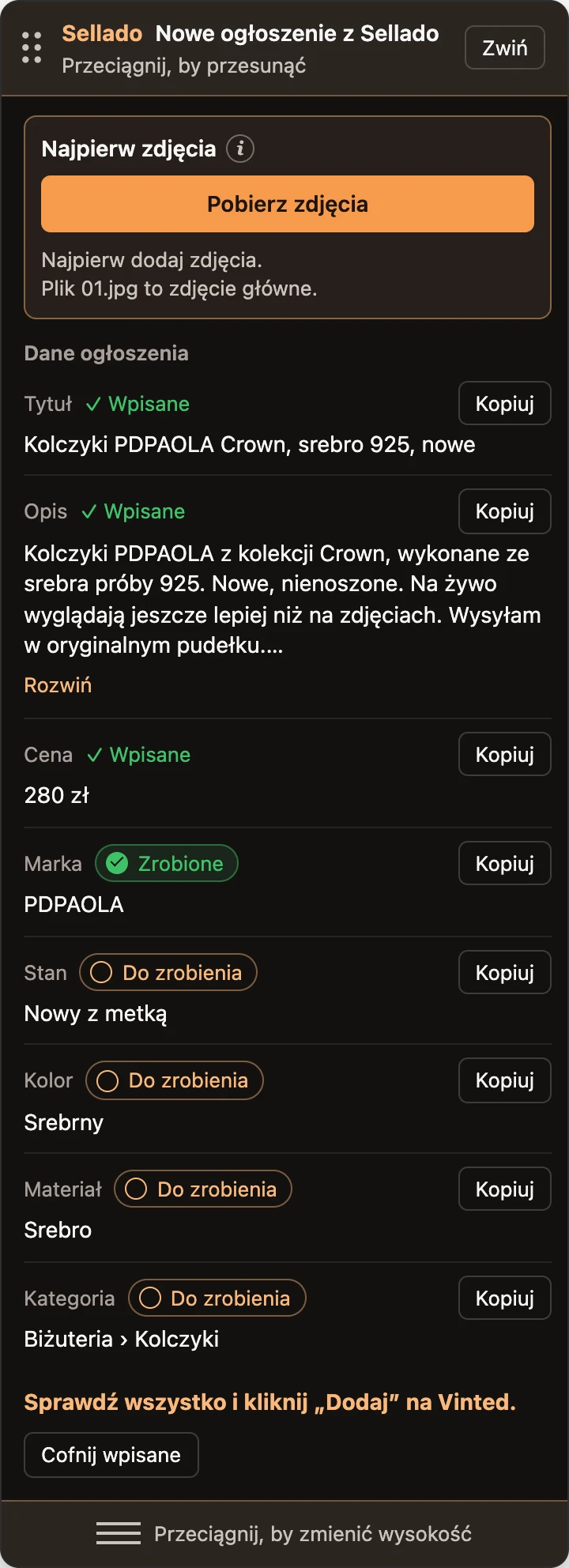
While you create a listing
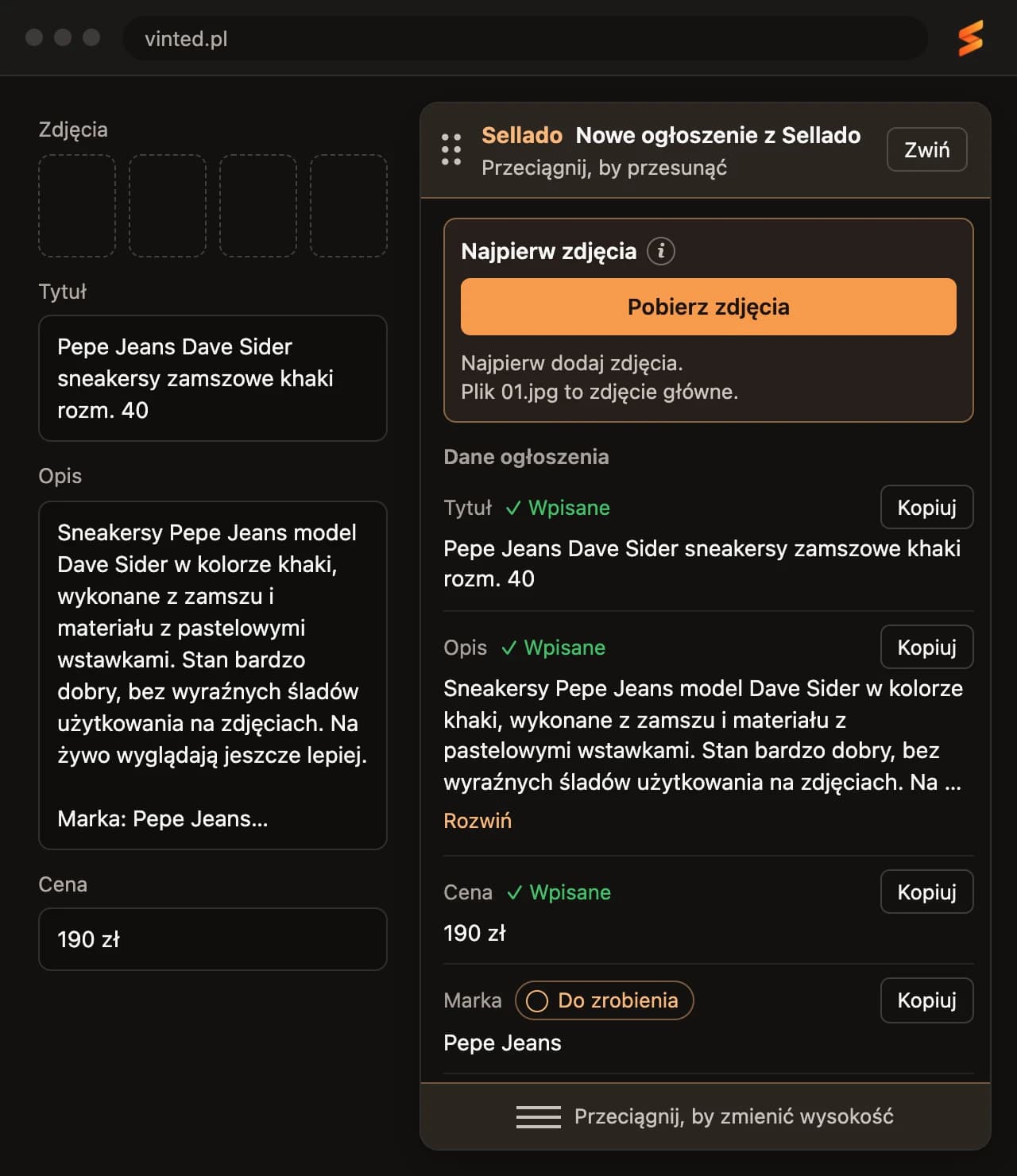
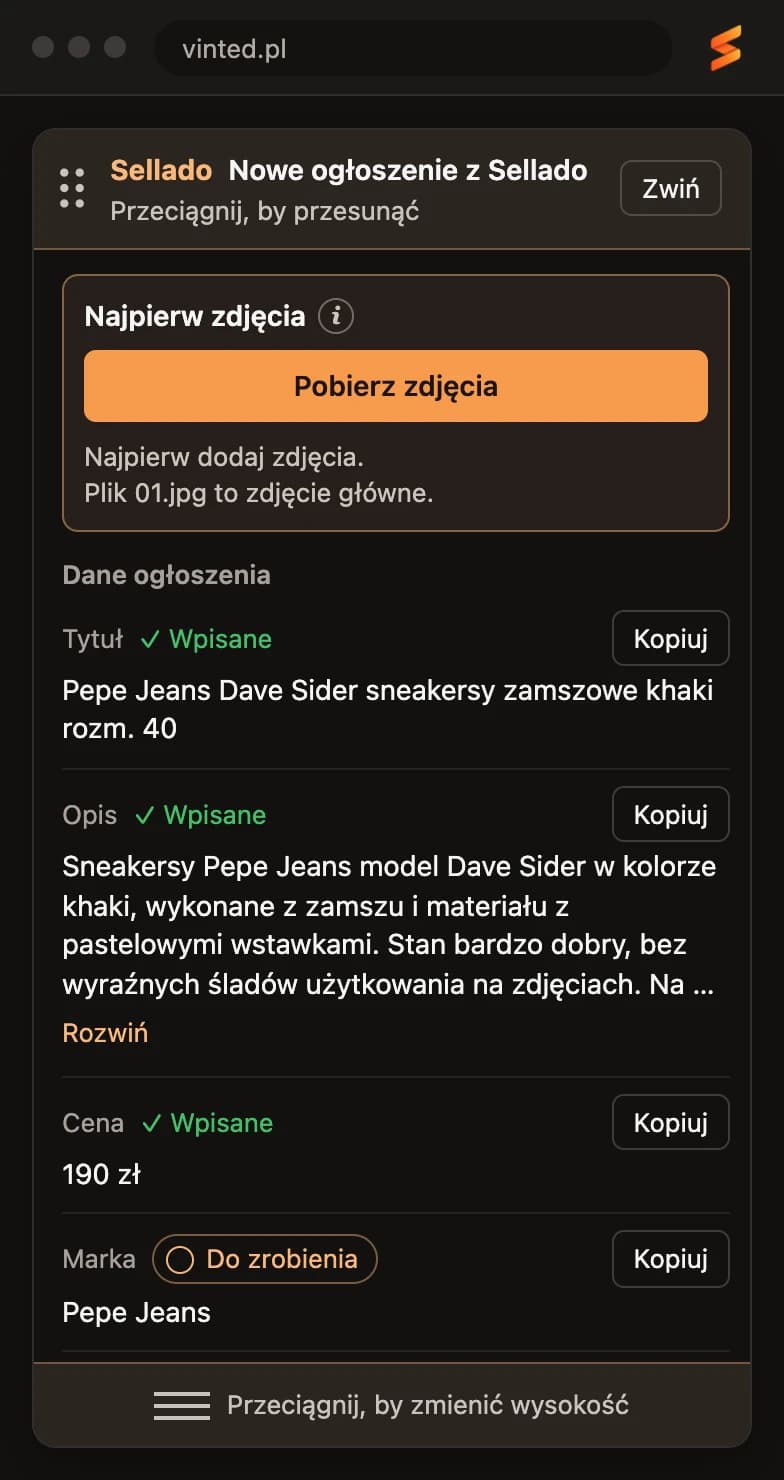
- All the product's details: title, description, price, brand, size, condition, colour, material and category
- A “Copy” button beside each value, so you don't have to go back to Sellado
- What's already filled in and what you still have to set
- The product's photos, ready to download with one button
What Sellado does and what you do
Vinted has no interface Sellado could list through, so some steps happen on Vinted.
Sellado
- Brings over your listings with photos, descriptions and prices, and sales from the last 12 months with what the buyer paid.
- Shows views, likes and reservations on each product.
- Records new sales and lowers stock on your other platforms.
- Fills in the title, description and price on Vinted's form.
You, on Vinted
- Add the photos, because Vinted blocks automated uploads and its rules forbid them.
- Choose the brand, size, condition, colour and category, copying the values from the panel.
- Click “Upload” or “Save”, because Sellado publishes nothing by itself.
- Delete a listing when the item sells elsewhere. Sellado reminds you which one.
- Answer buyers on Vinted, because the extension doesn't read messages.
Connecting
How to connect your Vinted account
- Create a Sellado account.
- Add the extension to Chrome on your computer and connect it under Integrations → Vinted.
- Open Vinted in that browser and sign in to your account.
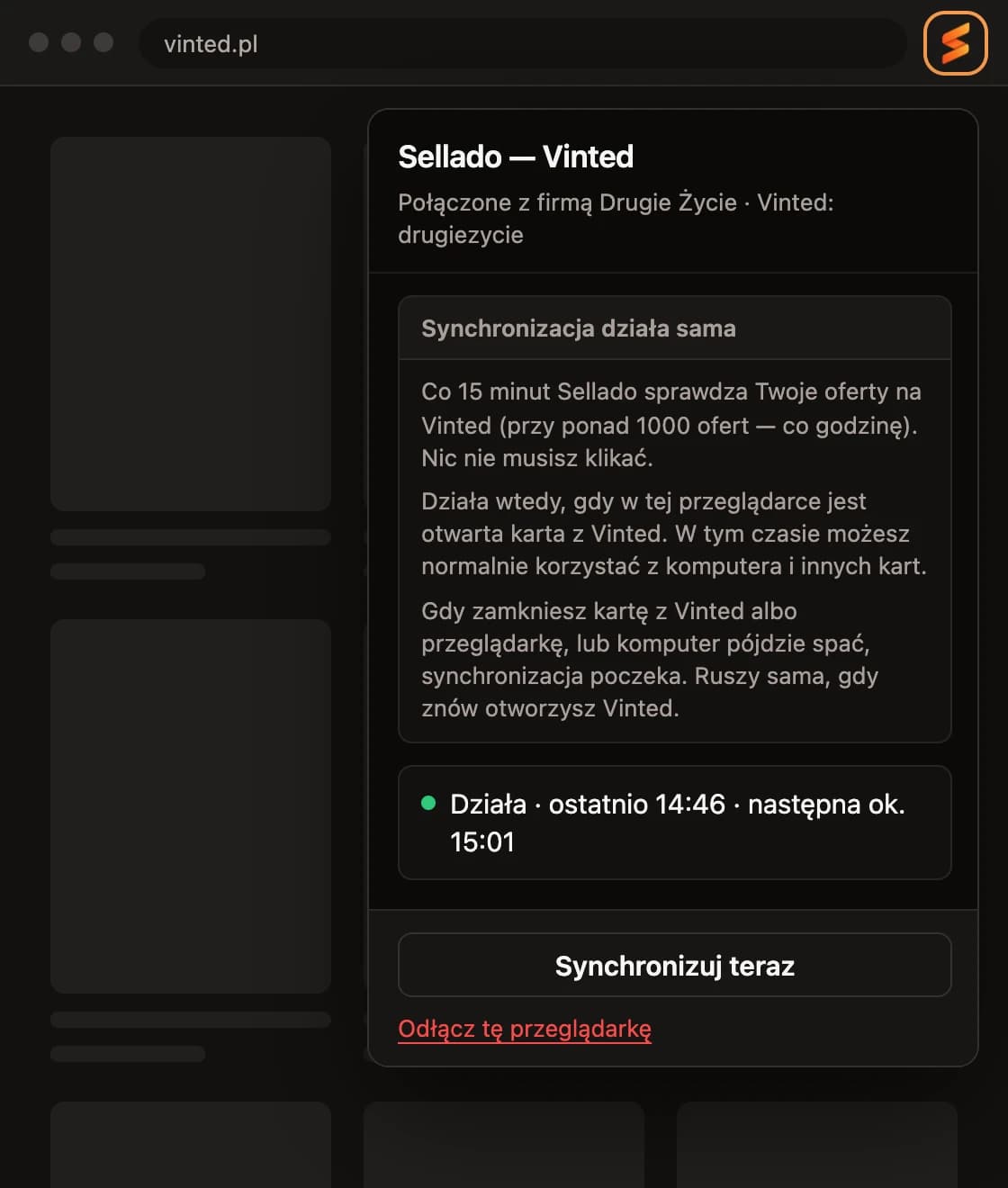
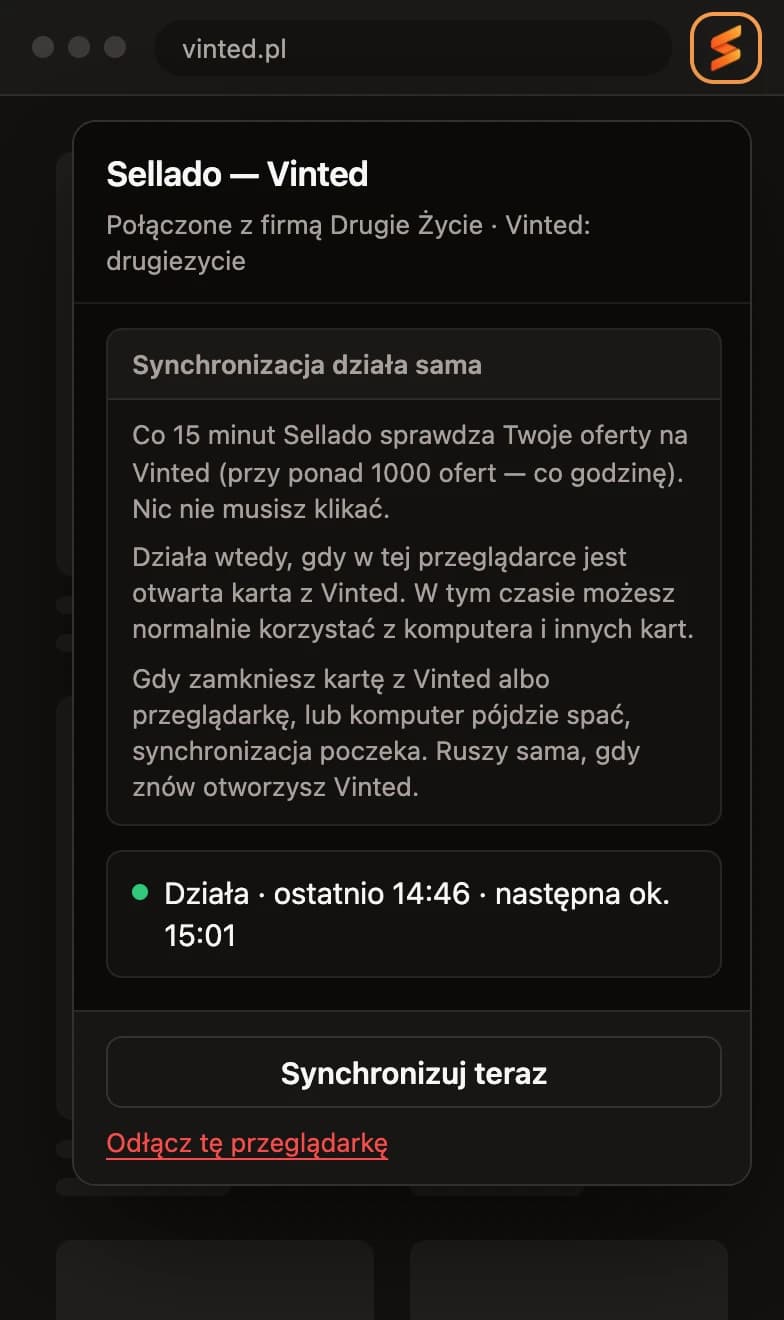
While a Vinted tab is open, Sellado refreshes every 15 minutes, and sooner after you change a listing in that browser. Above 1,000 listings it refreshes hourly.
Listing
Prepare the listing in Sellado, publish it on Vinted
- Add the product with photos. The AI can suggest a description and a price, with links to similar offers.
- Click “List on Vinted from Sellado”. The extension opens Vinted's form and fills in the title, description and price.
- Download the photos from the panel, add them and set the other fields.
- Click “Upload”, and the next sync links the listing to the product in Sellado.
You change a price or description the same way. Sellado shows what differs from Vinted and opens the listing for editing.
After the sale
What happens when something sells
A sale on Vinted
After the sync, Sellado records the sale with its amount. If it was the last unit, it ends the offers on your other platforms. The item waits on the “To ship” list.
A sale elsewhere
Sellado can't delete a Vinted listing, so it reminds you with a notification and on the product, so the same item doesn't sell twice.
Profit and limits
You see what's left after the purchase cost. Sellado also counts sales towards the DAC7 threshold (30 sales or €2,000 a year) and, for an unregistered business, shows the quarterly limit.
Safety
What the extension reads and what it doesn't
It reads
- Your account name and ID, so accounts don't get mixed up
- Your listings: text, price, photos, details and stats
- Your sales: amount, date and state, without the buyer's details
It doesn't read
- Messages
- Your wallet and payments
- Addresses
- Your Vinted password, which you never enter anywhere
It works only in the browser you connect, and only on Vinted's and Sellado's pages. It sends one request every few seconds, and when Vinted asks for a pause it waits 30 minutes.
Questions about Vinted
What does it cost?
The extension is free, and the Free plan holds 10 active products without a card. Sold products don't take a place in the plan.
Does a Vinted tab have to stay open?
The data refreshes only while a tab is open. When you open Vinted again, the sync catches up.
Does it work on a phone?
The extension and the panel run in Chrome on a computer. On a phone you copy the listing's details in Sellado, save the photos to your gallery, add them in the Vinted app, then mark the listing as listed.
Can I use Sellado without the extension?
Yes. Sellado prepares the listing for you to copy, and you mark it as listed and sold by hand. The import and automatic recording of sales need the extension.
What about the listings I already have on Vinted?
The import shows them all and you pick which to bring over. If you already have that product in Sellado, you see it before importing and can link them instead of creating a second one.
I only sell on Vinted. Is it worth it?
Yes, if you want your listings, sales, the profit on each item and a DAC7 counter in Sellado. You can add other platforms later.
Does Vinted allow this?
Sellado isn't affiliated with or approved by Vinted, and your account is subject to Vinted's terms. The extension publishes nothing by itself and adds no photos; you do those steps.
Vinted is a trademark of its owner. Sellado isn't affiliated with or approved by Vinted.
Sellado on other platforms
Add your first item and see what Sellado does with it
10 active products free. No card.